5 min read
Make Your Reels Pop Without Hours in CapCut or After Effects
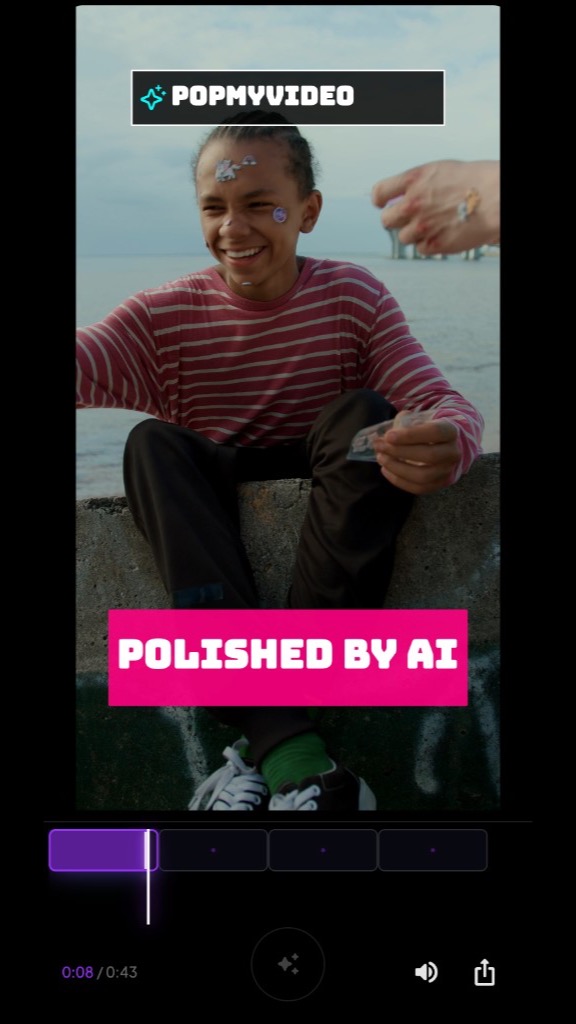
You filmed the clip at golden hour. The movement hits on beat three. You know exactly where the effect should land — right when your hand sweeps through frame.
Then you open CapCut and spend forty minutes hunting for a glitch preset that doesn’t look like everyone else’s.
I’ve been there. The footage is fine. The idea is fine. The edit is what’s killing the post.
What “popping” actually means on Reels
On Instagram, “pop” isn’t one thing. It’s usually a bundle:
- A visual accent on the hit — glitch, neon trail, zoom punch, light leak. Something that says “pay attention here.”
- Sound that matches the motion — a whoosh when something moves fast, a bass thump when you land a step, a sting when the beat drops.
- Timing tighter than your thumb — the effect lands within a few frames of the action. Late by 200ms and the whole clip feels amateur.
CapCut can do all of this. After Effects can do it better. The question is whether you have an hour per clip — or three minutes before you lose the urge to post.
Path A: Manual editing in CapCut or After Effects
CapCut (phone or desktop)
Typical workflow for a 15-second Reel with one hero effect:
- Trim to the hook (5–10 min if you’re picky about the in-point)
- Scroll effects, try three that almost work (10–15 min)
- Keyframe speed ramps or manual zoom (10 min)
- Add a trending sound and nudge it frame by frame (5 min)
- Export, realize the effect is half a beat late, re-export (10 min)
That’s 40–50 minutes for one clip with a single standout moment. Multiply by five posts a week and you’re looking at a part-time job inside an export queue.
CapCut’s strength is accessibility. You can learn it in an afternoon. The weakness is that everyone has the same sticker library. Your “unique” glitch is someone else’s template from Tuesday.
After Effects (desktop)
AE is where the Reels you actually save to your camera roll come from. Neon compositing, motion-tracked trails, custom sound design — the polish is real.
The cost is everything else:
- Import and organize footage
- Build or buy a comp
- Track motion (or fake it with manual keyframes)
- Render, discover a codec issue, render again
For a 15-second clip with one tracked effect, 1–3 hours is normal if you’re competent. Faster if you have a saved project template. Slower if you’re learning.
Manual editing wins when you need pixel-level control: brand colors locked, a specific font, a multi-layer comp that has to match last week’s post. No AI shortcut replaces that yet.
Path B: AI auto-effects on the hit
A different approach: don’t open a timeline. Import one clip. Let software scan the frames, find moments worth enhancing, and propose effects timed to those moments.
That’s what we built PopMyVideo for — not to replace a full edit suite, but to skip the part where you’re keyframing a glow on frame 47.
Rough workflow:
- Import your clip (~30 seconds)
- App scans motion and rhythm, surfaces hook moments (~1–2 min processing)
- Pick from suggested VFX (glitch, neon trail, etc.) and SFX (whoosh, bass drop) (~2 min)
- Export (~1 min)
Under five minutes of your attention for a clip that would’ve been a CapCut rabbit hole.
The tradeoff: you’re choosing from what the system generates, not drawing a mask by hand. For a dance hit, a product reveal, a transition punch — that’s usually enough. For a brand film with exact hex codes, stick with AE.
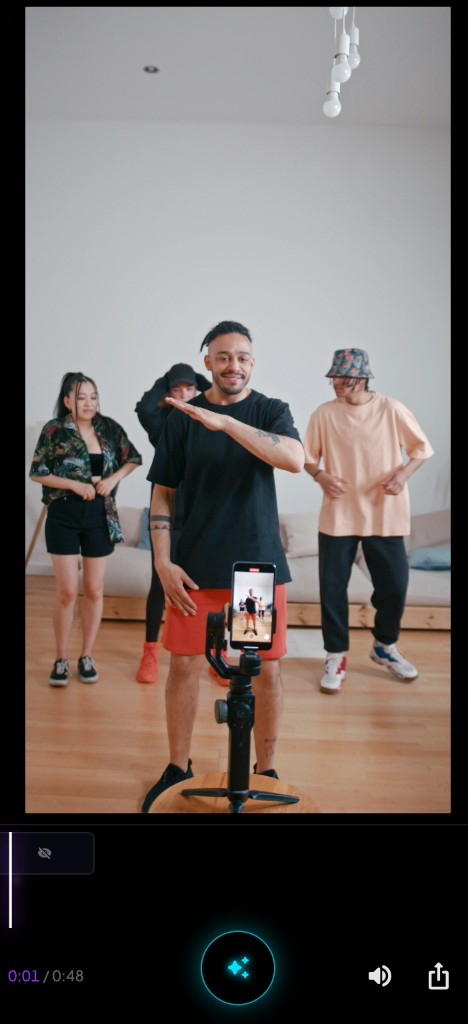
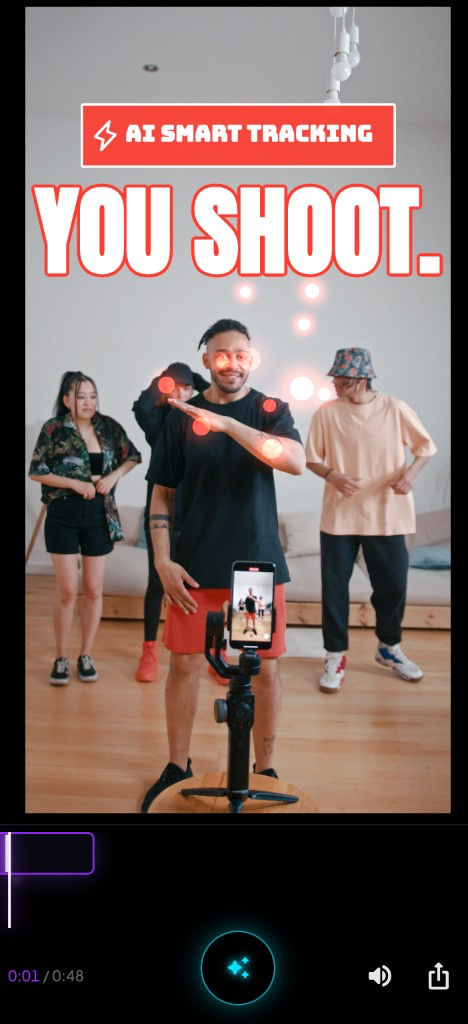
Same footage. The difference isn’t color grading or a new filter stack — it’s an effect placed on the actual motion, synced to where your eye already wants to go.
Another example: finding the moment vs guessing the timestamp
In CapCut, you scrub the timeline until the playhead “feels” right. In AE, you set layer in-points and hope the motion track holds.
With auto-detection, the app marks candidate beats first — the arm extension, the foot plant, the camera whip — and you pick which one gets the treatment.
You’re not guessing frame 112 vs 114. You’re choosing between moments the software already found. Small shift in workflow, huge difference at 11 p.m. when you just want to post.
When to use which
| Situation | CapCut / AE | AI auto-effects |
|---|---|---|
| One hero moment needs a fire effect | AE if you have time; CapCut if you don’t | Fastest if the clip is single-shot |
| Full Reel with captions, 6 cuts, transitions | CapCut — still the right tool | Not a replacement |
| Dance / sports / product reveal on a beat | Manual if you enjoy keyframes | Strong fit |
| Brand kit with exact fonts and colors | AE | Skip |
| Posting 3+ clips tonight | CapCut, but you’ll feel it | Worth trying |
Honest take: most Reels that stall in your drafts don’t need a six-layer comp. They need one good moment enhanced and shipped.
The part nobody mentions
Manual editing teaches you timing. You’ll be a better editor after 50 CapCut projects. No shortcut replaces that if video is your career.
But if Reels are how you grow a side business, promote a drop, or stay visible between longer projects — spending an hour per 15-second clip isn’t craft. It’s friction.
AI auto-effects won’t build your whole channel. They can get a strong single shot over the line on a Tuesday night when the footage is already good and the only thing missing is the punch.
That’s the whole game: good footage, one moment that lands, posted before you talk yourself out of it.