5 min read
Add Sound Effects to Silent Reels on Your Phone
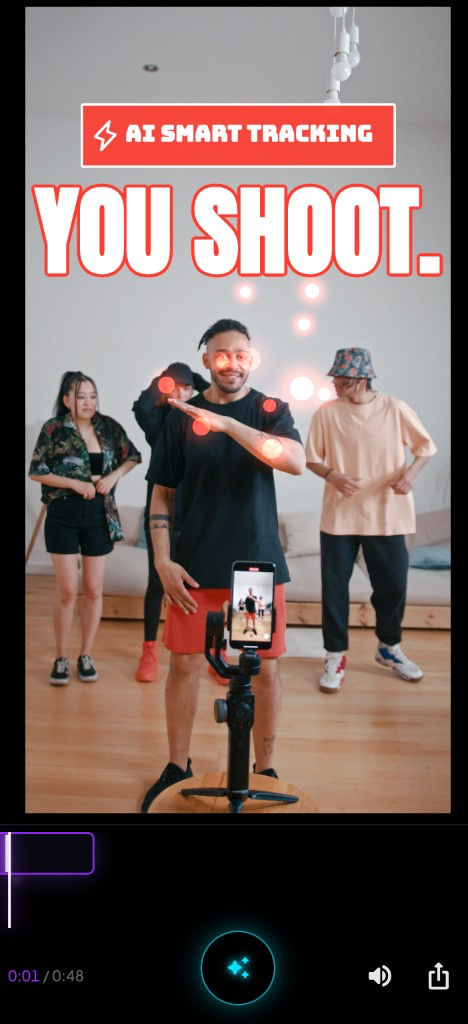
You filmed in silent mode because someone was on a call three feet away. The movement is clean. The hook is there. You post it anyway.
It dies in twelve seconds. No saves. No shares. The same clip with a bass hit on the landing gets triple the reach the next week.
The footage wasn’t the problem. The silence was.
Why silent Reels feel flat
Most phone footage starts life without usable audio. Silent mode, wind on the mic, a noisy room you didn’t want in the cut — you end up with a great visual and nothing underneath it.
On Instagram, that matters more than people admit:
- The feed is half-watched on mute — but even muted viewers feel when a clip has no sonic punctuation. The edit reads “unfinished.”
- Sound effects sell the hit — a whoosh on a fast pan, an impact when your foot lands, a sting when the product drops into frame. Your brain expects it.
- Timing is the whole trick — a perfect whoosh placed 300ms late feels cheaper than no sound at all.
“Silent video sound effects iPhone” is one of the most searched fixes for a reason. Creators know the clip is good. They just don’t want to rebuild the whole edit in a timeline to add three seconds of SFX.
Path A: Manual sound effects in CapCut
CapCut is the default answer on phone. It works. It’s also where silent Reels go to die in your drafts folder.
Typical workflow for a 12-second silent clip with two sound accents:
- Import the video and mute any garbage room tone (2 min)
- Open the sound effects library — search “whoosh”, “impact”, “bass” (5–10 min of scrolling)
- Drop the first SFX, scrub until it lines up with the motion (5–8 min)
- Realize the second hit needs a different effect, repeat (8–10 min)
- Add a trending audio bed underneath, nudge layers so they don’t clash (5 min)
- Export, watch back, notice the landing thump is early, fix, re-export (10 min)
That’s 35–45 minutes for a clip that has no dialogue, no music sync puzzle — just two moments that need punch.
CapCut’s SFX library is huge. So is everyone else’s. The whoosh you picked is the same one in four other Reels on your FYP. The bigger issue is placement: you’re guessing timestamps on a clip you already watched six times.
After Effects does sound design better — layered impacts, custom EQ, sidechain ducking — but you’re not opening AE on the train. For phone-first creators, CapCut is the realistic manual path. Just budget the time.
Path B: AI sound effects timed to silent footage
Different workflow: import a silent clip, let software find moments worth enhancing, and attach SFX to those moments without building a multi-track timeline.
PopMyVideo was built for this kind of polish on phone — overlays and accents on your original footage, not a full NLE replacement. For silent clips specifically:
- Import from camera roll — with or without audio (~30 sec)
- AI scans motion (and listens if sound exists) to surface hook moments (~1–2 min)
- Pick visual accents and optional AI sound effects — impacts, whooshes, stings — synced to the action (~2 min)
- Preview, tweak the vibe, export (~1 min)
Under five minutes of hands-on time for a silent clip that would’ve been twenty minutes of CapCut scrubbing.
The tradeoff is the same as any AI-assisted edit: you’re choosing from generated options, not hand-picking a bespoke sound pack and EQing every layer. For a dance hit, a product drop, a transition punch on a silent take — that’s usually enough. For a brand spot with a licensed sonic identity, stick with a proper audio workflow.
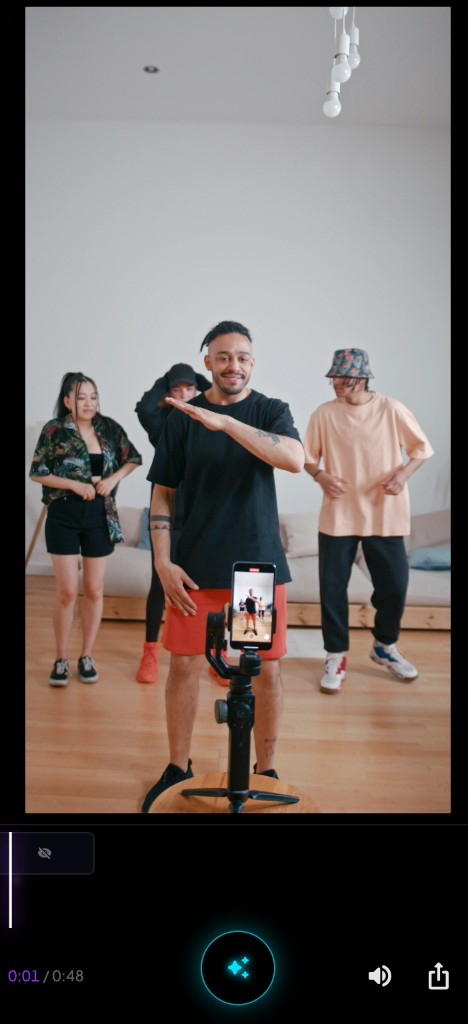
Same shot. The visual didn’t change — your original footage stays intact. What changed is punctuation: sound landing where your eye already goes.
iPhone silent mode vs editing silent clips
Worth separating two problems people mash together:
Filming in silent mode — ringer off, no shutter click. Fine. Your clip still has a mic track; it’s often just room noise you don’t want.
Editing a truly silent or muted clip — you stripped audio, or the take is B-roll over a trending sound. That’s where you need deliberate SFX, not whatever the phone captured.
On iPhone, CapCut and PopMyVideo both run on device. No desktop handoff. For silent reel sound effects on phone, the question isn’t “can I add audio?” — both can. It’s how much timeline work you want before posting.
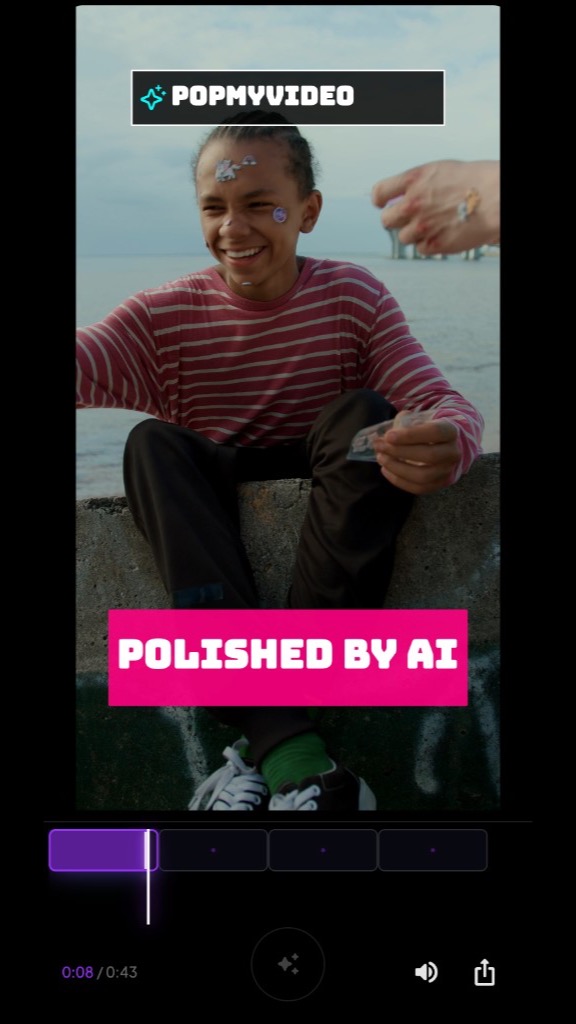
You’re not hunting frame 89 vs 91 for the whoosh. You’re picking between versions where the software already placed the accent.
When to use which
| Situation | CapCut manual SFX | AI auto SFX (PopMyVideo) |
|---|---|---|
| Silent clip, 1–2 hero moments | Works, slow | Strong fit |
| Full Reel with voiceover + music bed | CapCut — multi-track | Not a replacement |
| Trending audio + silent B-roll cuts | CapCut for assembly | Use for the silent hero shot only |
| Custom sound design / branded sonic kit | AE or a DAW | Skip |
| Posting tonight, clip is already good | CapCut if you have 40 min | Worth trying first |
Honest take: most silent Reels don’t need a six-layer sound mix. They need one whoosh and one impact in the right places. Manual tools give you infinite control. AI tools give you speed when the clip is single-shot and the clock is real.
The practical takeaway
Silent footage isn’t a death sentence. It’s a missing layer.
If you have time and care about a specific SFX pack, CapCut on iPhone gets you there — count on 35–45 minutes per clip with multiple hits. If the visual is done and you just need silent video sound effects without rebuilding a timeline, import the clip, let AI mark the moments, layer impacts and whooshes on the action, and ship.
Good motion, sound on the hit, posted before you second-guess the silent take. That’s the whole fix.